A clean macOS app for saving video and audio from YouTube, Twitter/X, Instagram, TikTok, Vimeo, Reddit, Facebook, and 1000+ other sites.
Signed and notarized by Apple
The free tier is unlimited on every site, capped at 720p in MP4. Upgrade any time for 4K/8K, the batch queue, MKV and WebM, and subtitles.
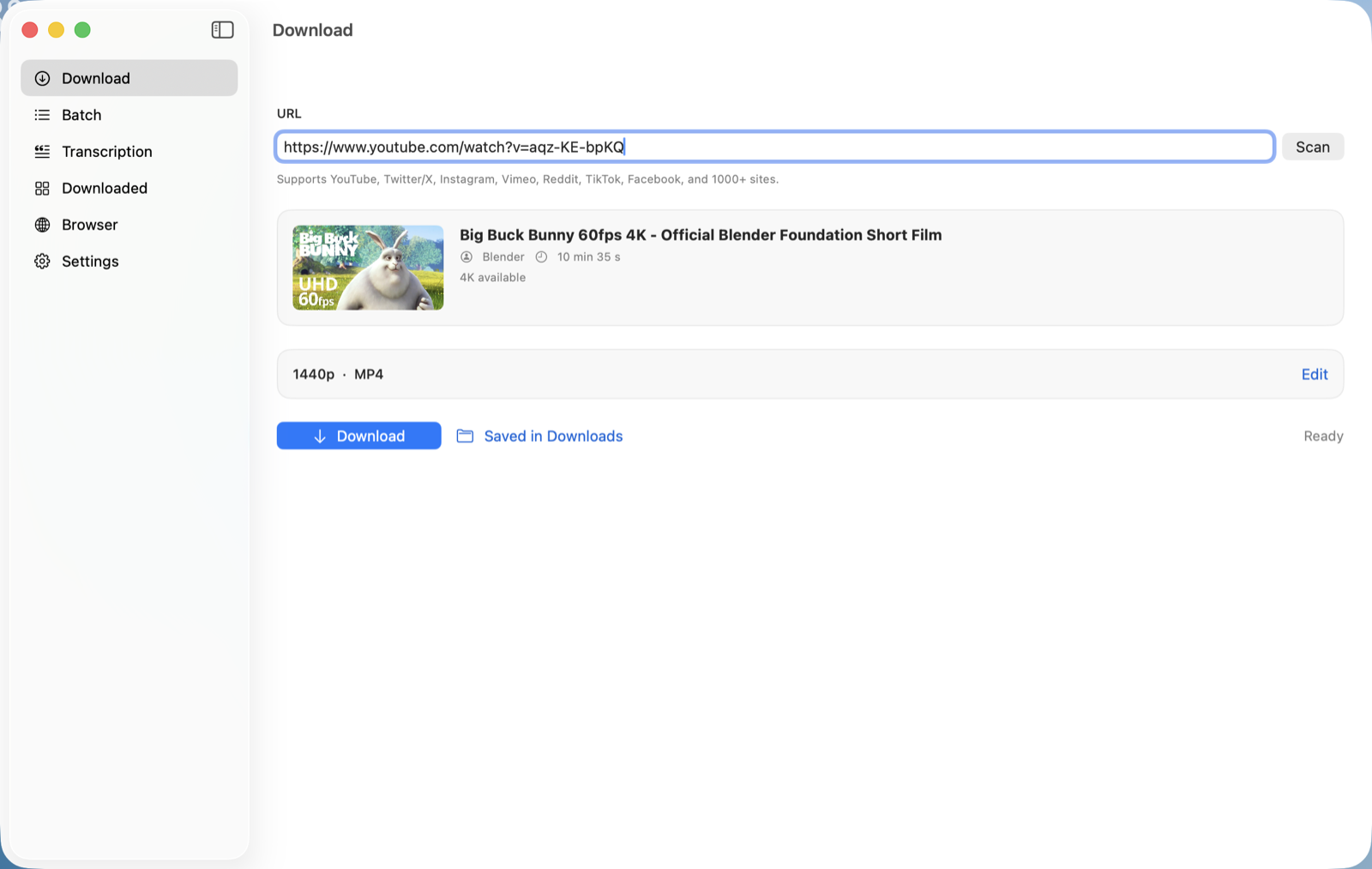
No installer to click through — just drag and drop.
Double-click the .dmg file in your Downloads folder.
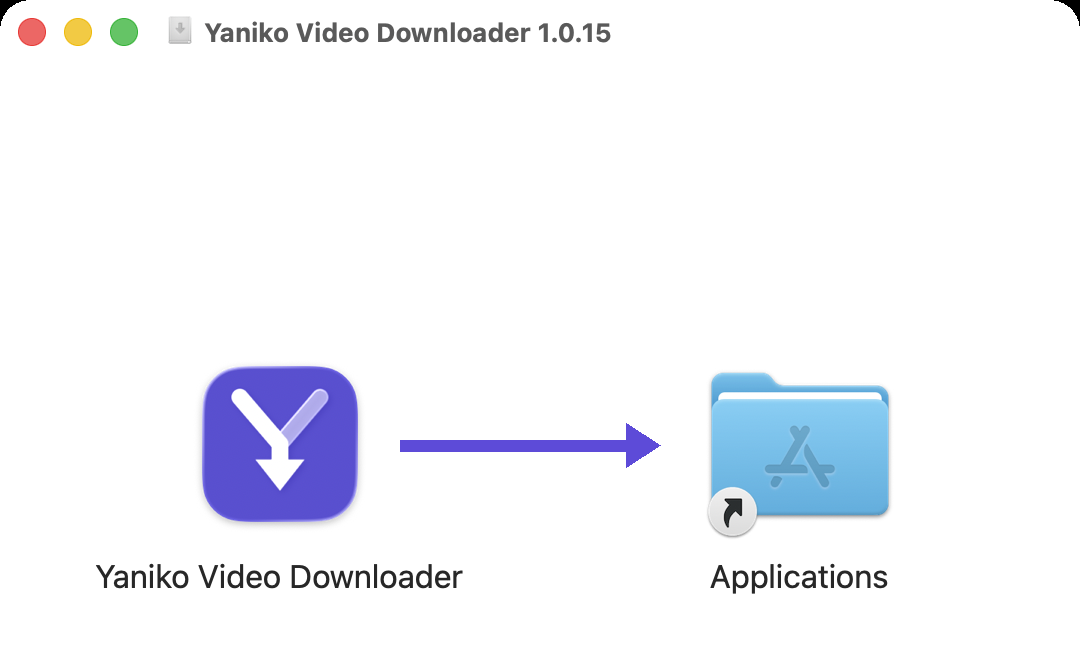
Drop the Yaniko icon onto the Applications folder shown beside it.
Launch it from Applications or Launchpad, then eject the disk image.
No account, no browser extension, no waiting.
Copy the video's URL from YouTube or any of the 1000+ other supported sites.
Paste the link, pick a quality from what that video actually offers, and choose video or MP3.
Your file lands in your Downloads folder, ready to watch offline.
One Download tab handles it all — YouTube, Twitter/X, Instagram, TikTok, Vimeo, Reddit, Facebook, and 1000+ more sites. Unlimited downloads on every tier.
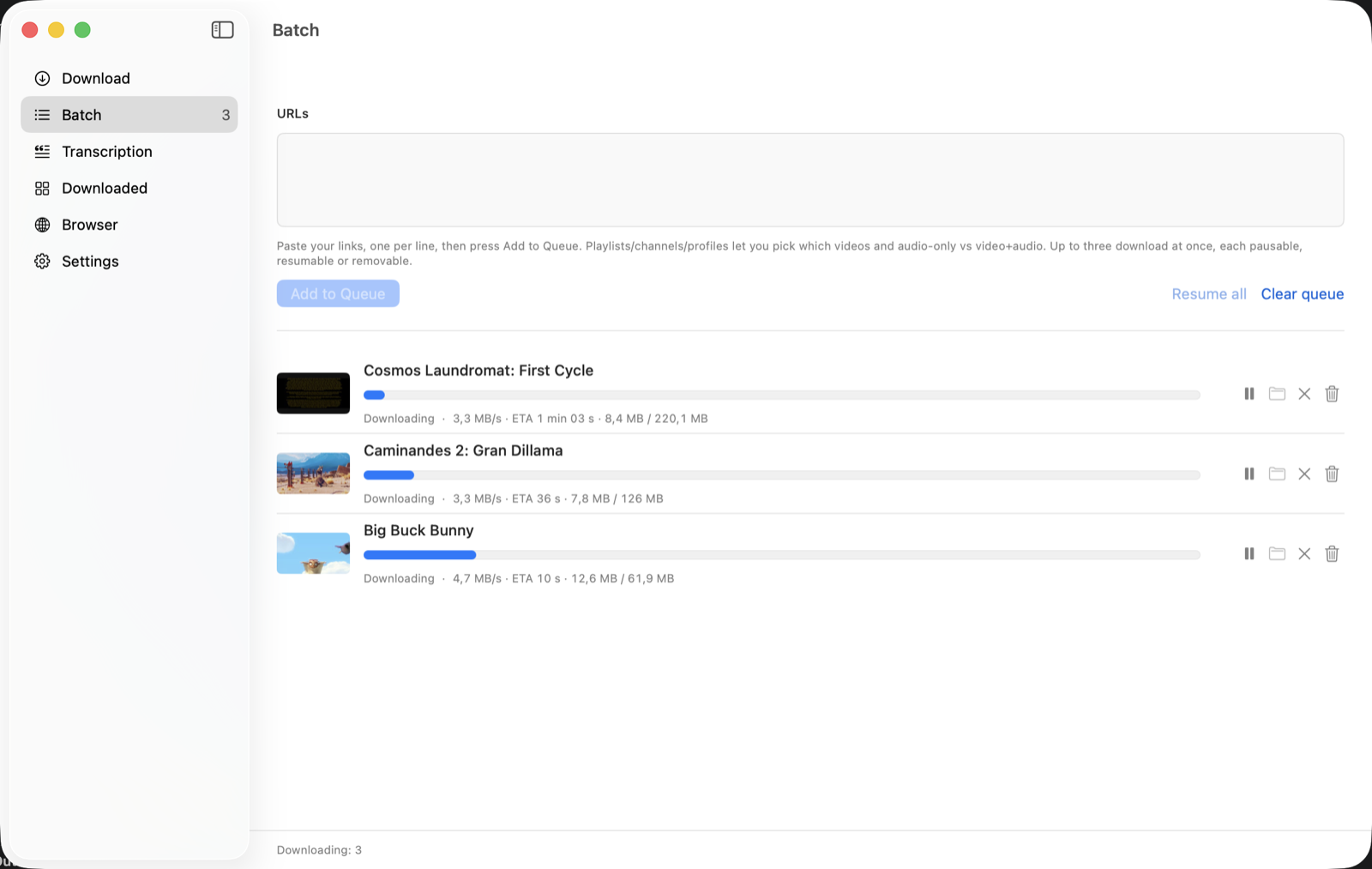
Paste a playlist or a list of links and queue them all. Pick specific videos, audio-only or full video, then pause, resume, or cancel each download individually. Premium.
Save MP3 audio free on every tier, or full video up to your plan’s cap. The app reads what each video actually offers, so the quality list is never a guess.
Free tier works instantly. Upgrading just adds a license key you paste into the app.
Save as MP4, MKV or WebM, prefer a specific codec, and pull subtitles as a separate .srt or embedded in the video. Premium.
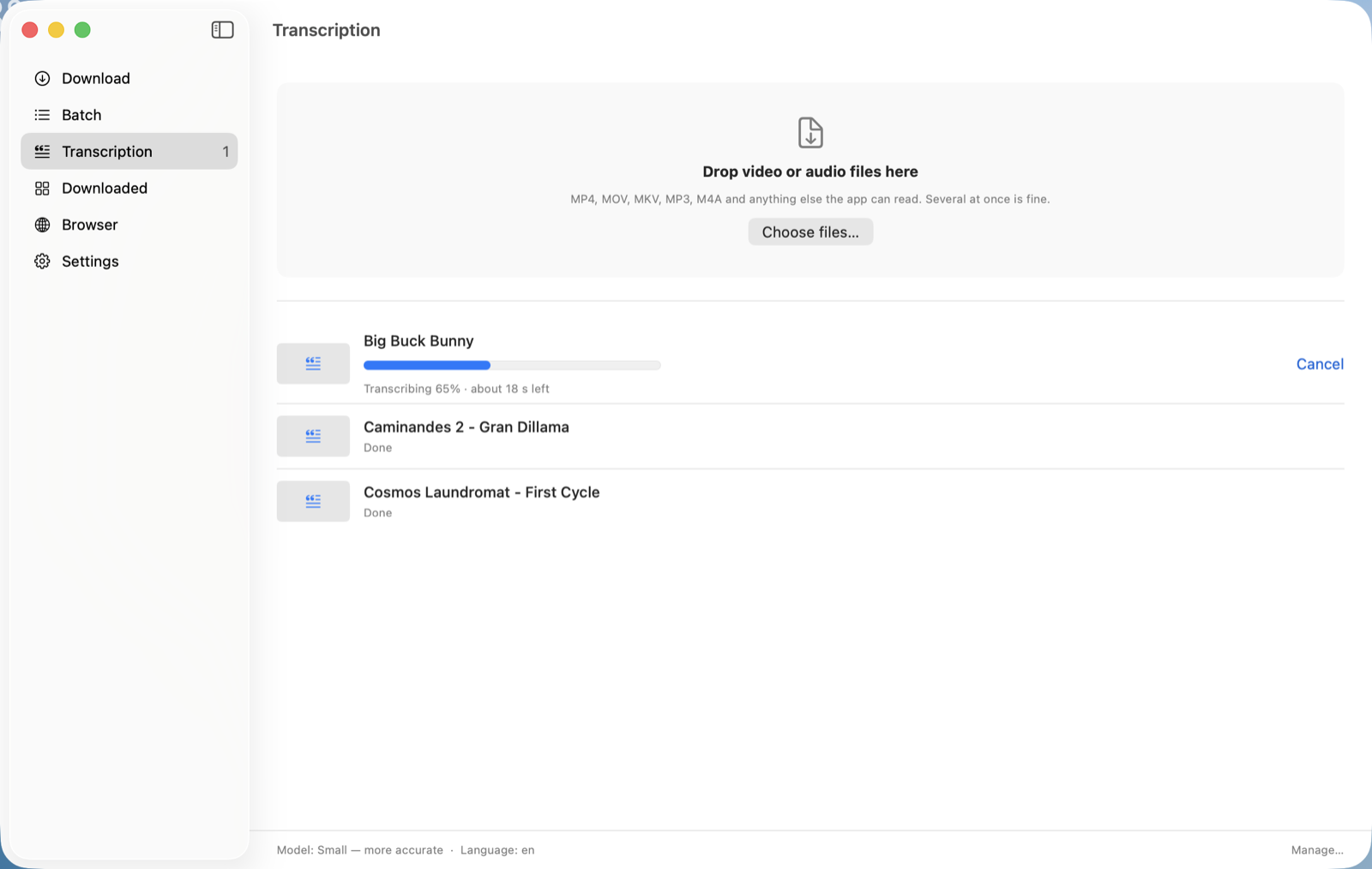
Turn speech into a subtitle file, plain text and timestamped JSON — after a download, or from video and audio you already have. Nothing is uploaded. Premium, Apple Silicon for now.
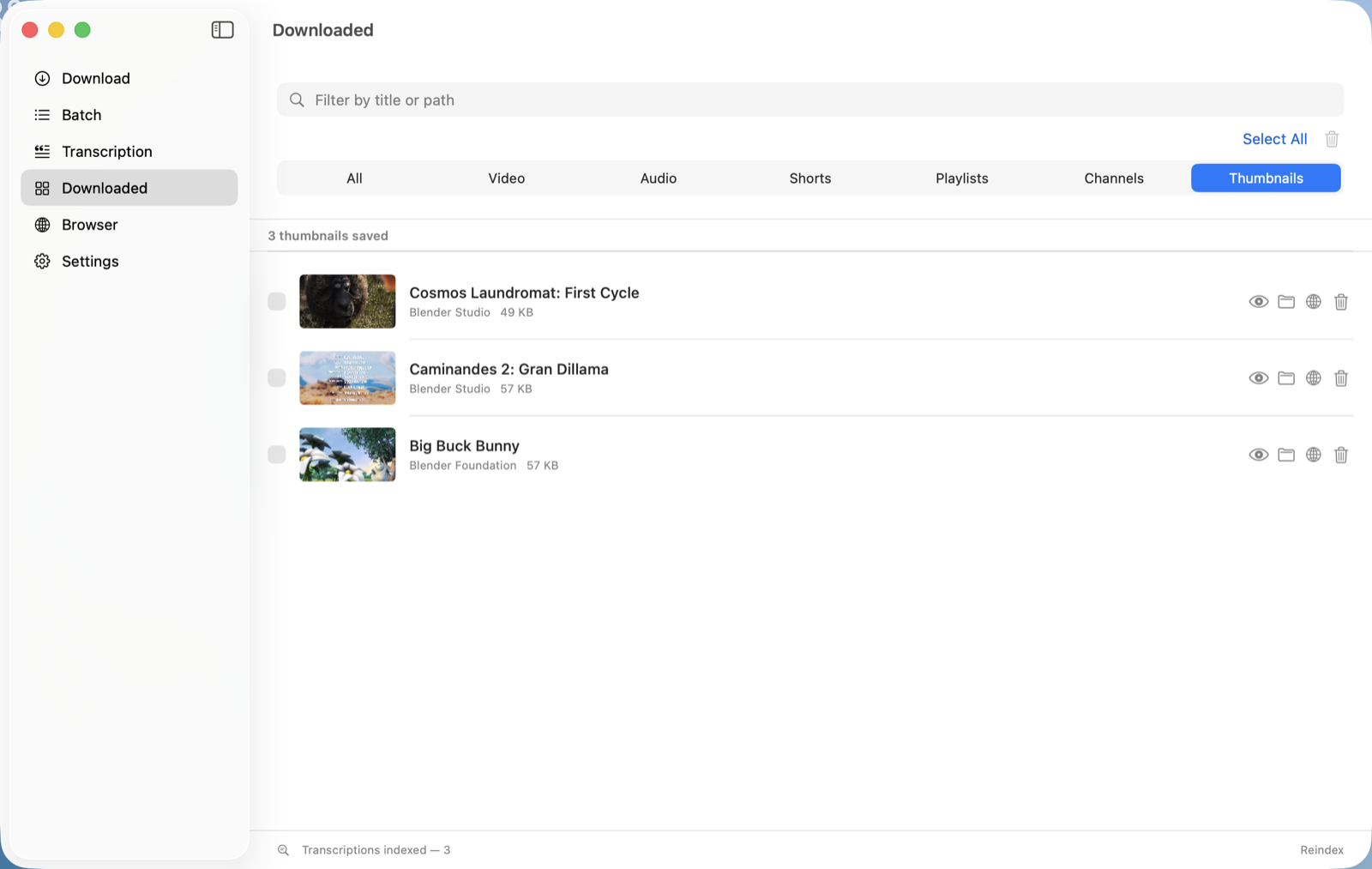
Keep a video’s cover image in full resolution, saved beside the file and gathered on a tab of its own.
Import cookies straight from your signed-in browser to download videos that need a login.
A native universal app — runs natively on Apple Silicon and Intel Macs, macOS 14 or later.
Premium — line up as many links as you like, then pause, resume or drop any of them mid-flight.
Premium — transcribe every download as it lands, or drop in video and audio you already have. A subtitle file, a plain text file and a timestamped JSON, beside each one. The audio never leaves your Mac.
Tick “Save the thumbnail” and the video’s own picture is saved beside it, full size. The Downloaded tab gathers them all: open one, show it in the Finder, or bin it.
Powered by yt-dlp — 1000+ sites supported.
No. Downloads are unlimited on every site — YouTube and the Web Video tab (Twitter/X, Instagram, TikTok, Vimeo, Reddit, etc.) alike — at every tier. What the free tier caps is the output file — 720p, MP4, no subtitles — and the batch queue, which is Premium. Premium unlocks 4K/8K, MKV and WebM, a codec preference, subtitles, and queueing.
Solo covers one Mac, Family covers three. You can move a licence to a different Mac when you replace or reinstall one, a few times a month.
No. Payments are handled entirely by Stripe — we never see or store your card details. See our Privacy Policy for details.
Yes. Ask within 14 days of your purchase and we refund you, no questions asked — write to support@getyaniko.com. Separately, and for two years, you keep the legal guarantee that the app works as described: if it doesn't and we can't put it right, you are entitled to a refund under Belgian law. A refund ends the licence; the free tier keeps working.
Make sure you downloaded the latest version from getyaniko.com — every release is signed and notarized by Apple, so this shouldn't happen. If you downloaded an older copy, delete it and get the current version from the site.
 Yaniko Video Downloader